
Features
Fence takeoff and estimating, from the plan set to the parts list.
Upload a full set of plans, search and trace the fence, set the specs, and keep the project in the cloud. The same drawing tools work on any PDF or on a grid.
Built for the bid, not a generic drawing tool
Simpallo was built by a fence industry veteran with a simple purpose: make the path from a set of plans to a material list more efficient and less painful, on a cloud-based system you can open from anywhere, on any device.
Upload a full set of plans, search them, and trace directly on the fence lines. When the lines are drawn, set the specs and the calculations are done. The same process works in a virtual grid, on a hand drawing, on satellite images, or on anything else you can turn into a PDF.
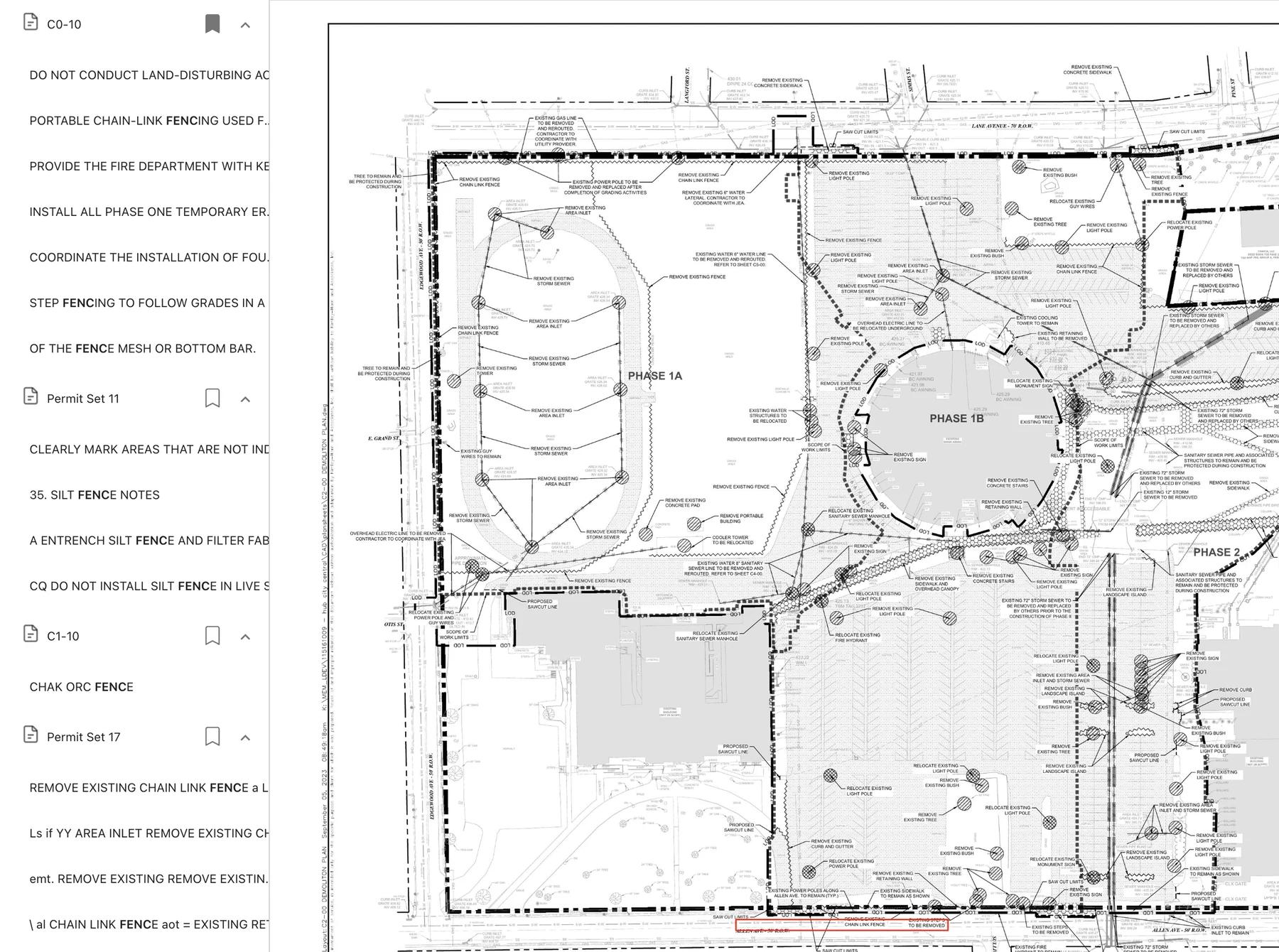
Built-in plan search
Search large plan sets and land on the sheets that matter to the bid.
Each result includes a text preview, and you can bookmark the pages you need without leaving the search.
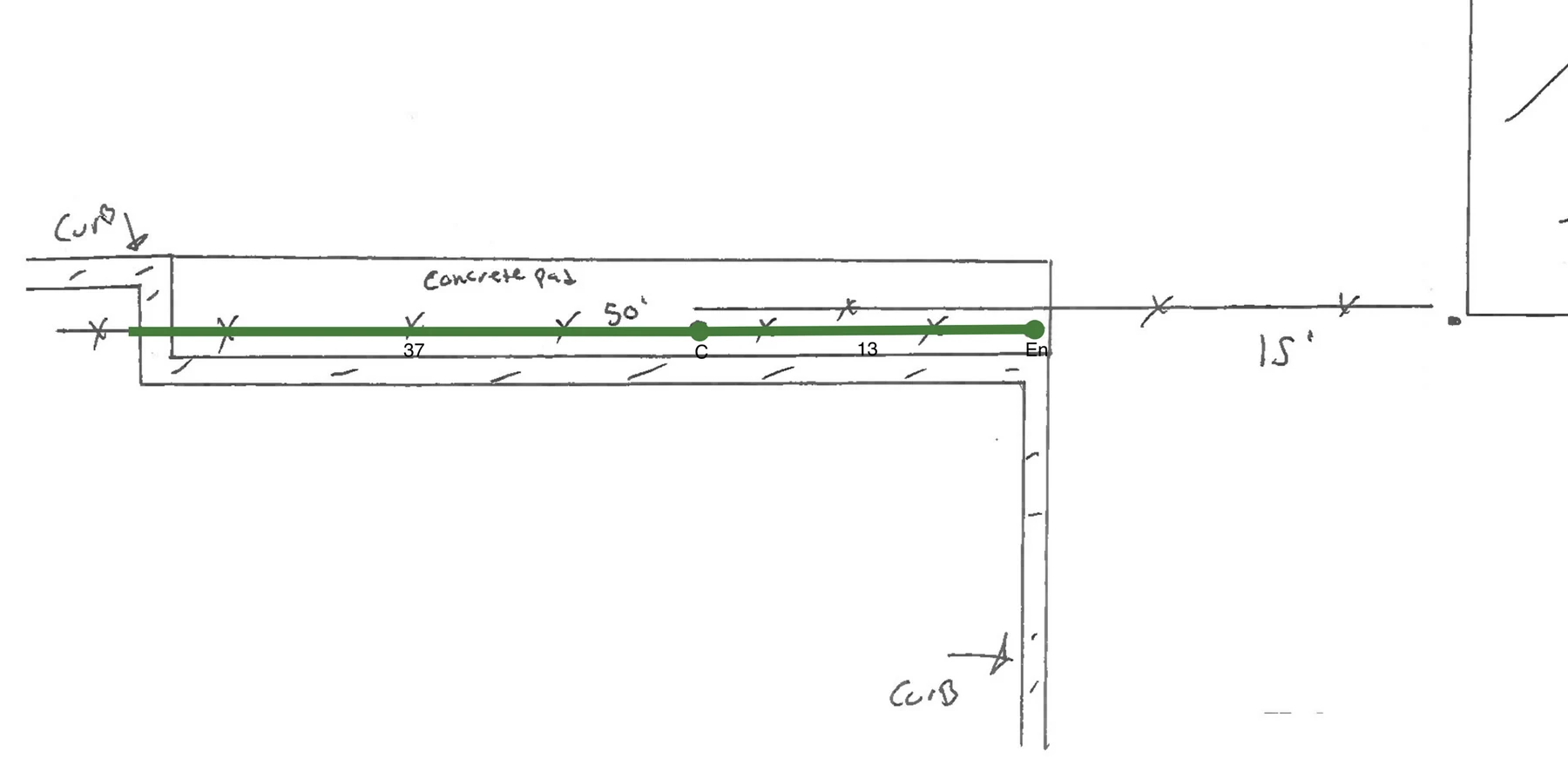
Draw directly on plans
Upload a full set of plans and draw fence lines directly over the original drawings. You do not need a second program for measurements.

Draw on any PDF
Any PDF can be used as the background for a layout: satellite views, images, hand drawings, and other references. Convert the file to PDF and draw the layout on it.

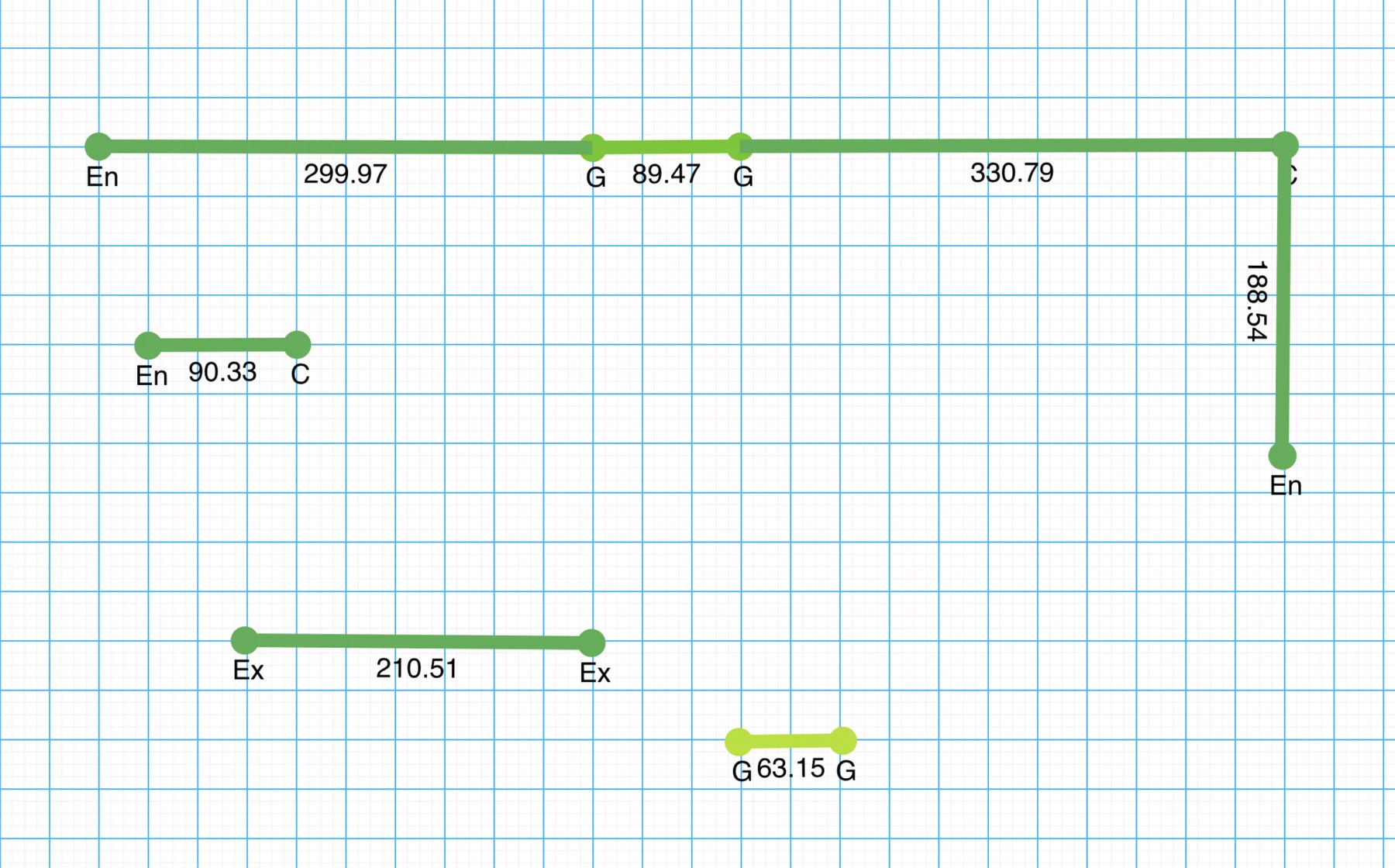
Draw on a virtual grid
If no drawing is available, Simpallo includes a virtual grid for the layout.
Specs for each project
Set the specs you want for each project as you go. If an option is missing, the organization can add, remove, and modify options.
Several fence types are included, and an organization can add more.
Material lists you can edit
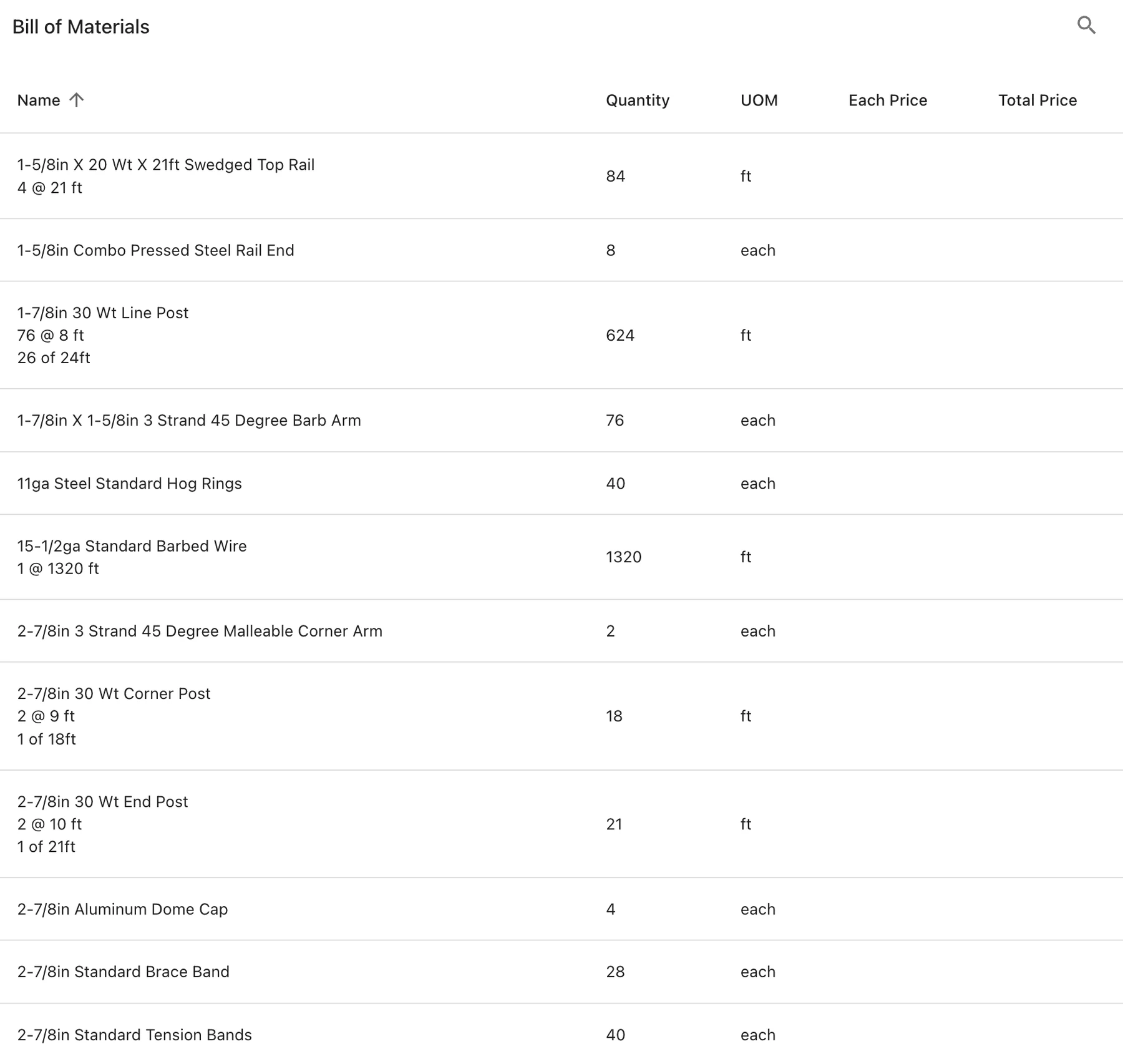
The material list is condensed and lists the parts required for the fence.
An organization can rename items, assign a cost to each item, and change the quantity calculations.
Shared bid calendar
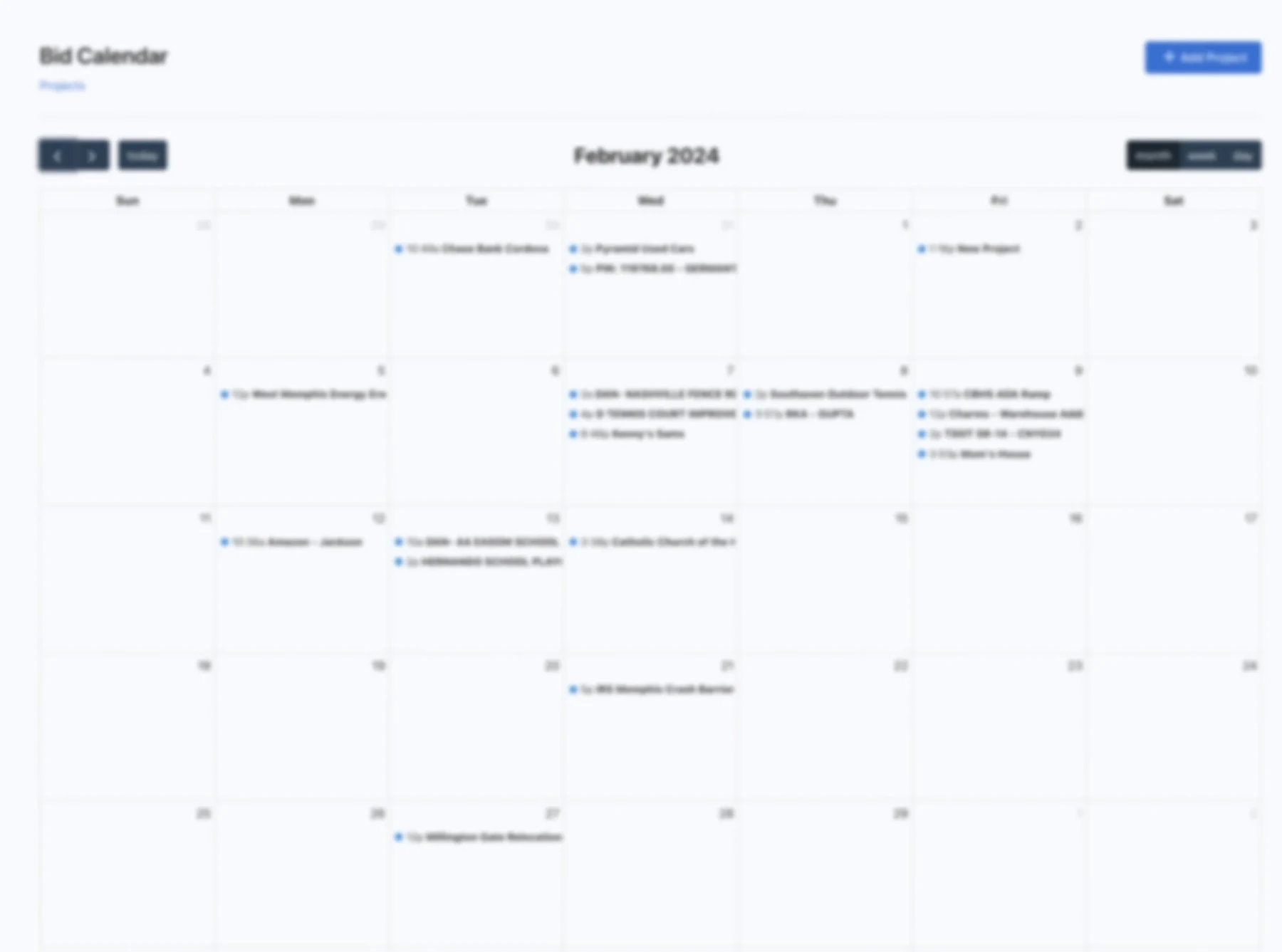
One bid calendar shows the projects the organization is actively bidding. It is in one place, and every user can open it.
When a project status changes to sold, the job leaves the bidding list.
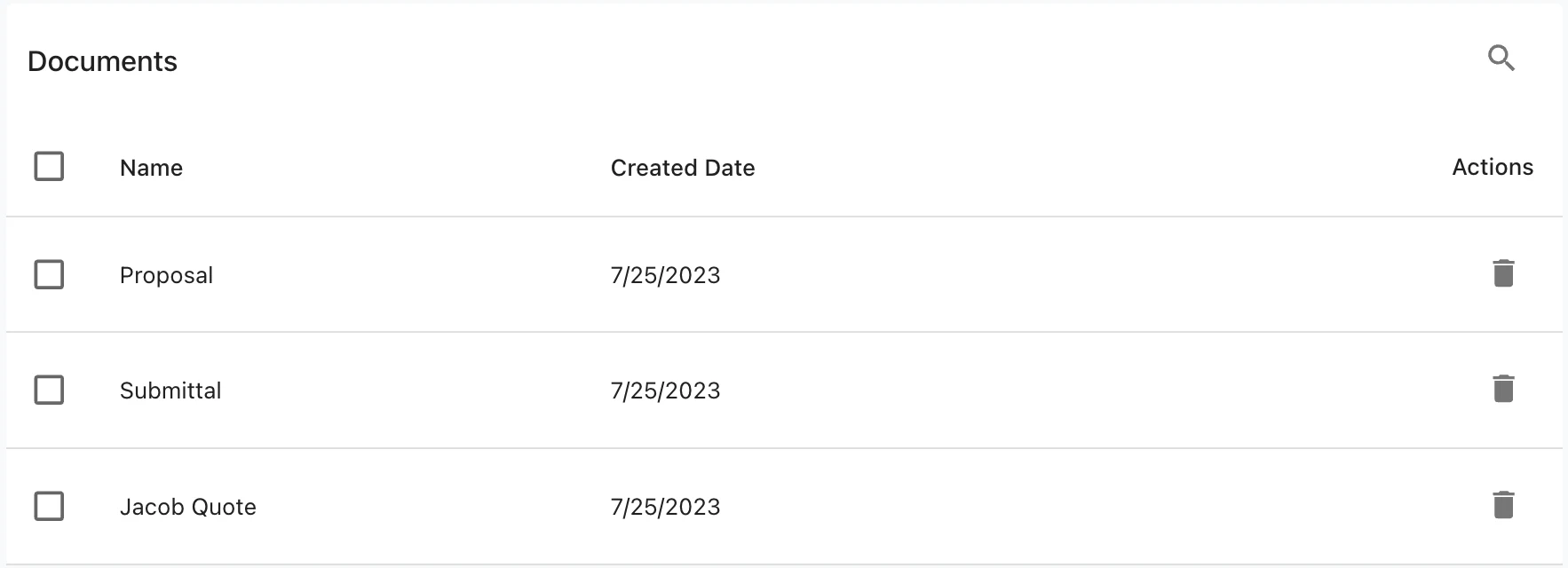
Project file storage
Each project has a document storage area so the files for that job stay together.
Storage is cloud-based. Core includes 10 GB. Essentials includes 500 GB.
Products, items, and math
Everything can be tailored to the organization. Don't like the name of an item? Change it. The math is not the way you want it done? Change that too. Simpallo does not have the fence type you want to calculate? Change that as well.
All components required for a type of fence are included in the same product. The Chain Link product, for instance, can calculate material for a 4 ft standard residential fence or an 18 ft commercial fence with razor ribbon, braces, trusses, and bottom rail.
Building products and creating material lists are part of Essentials. Core includes plan organization, project search, the bid calendar, and measuring.
A new estimating engine
The first version of the estimating engine lets users complete an entire estimate inside Simpallo. The update videos show what shipped. They are not a tour of every feature.
Watch the update videosSee it on a real set of plans.
Book a demo and we will walk through upload, drawing, specs, and the material list.